


Through the LMS remote control, you can schedule a client to see a doctor or for services at a specific clinic.
Make an appointment with a doctor 
- Go to the section«Пульт оператора».
- Select a tab«Врачи».
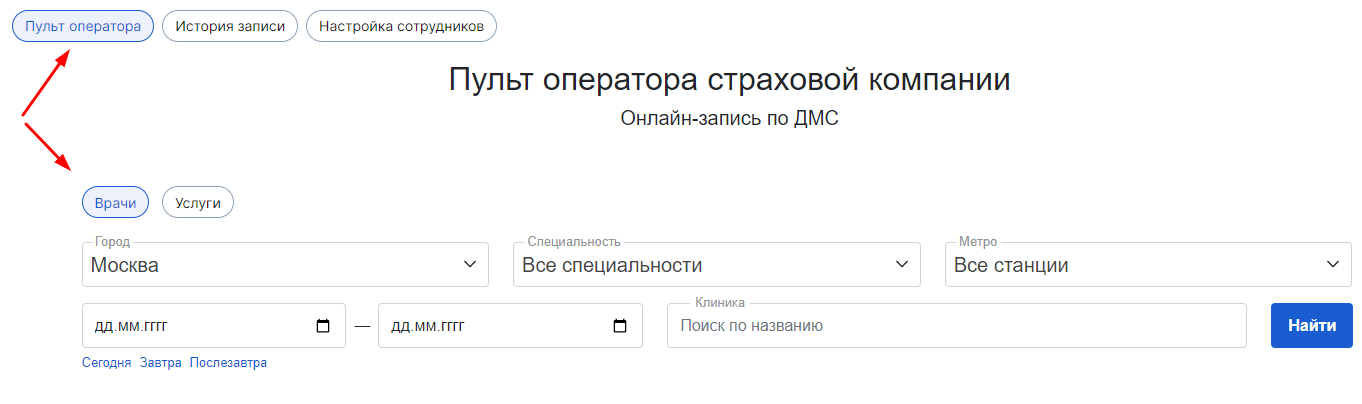
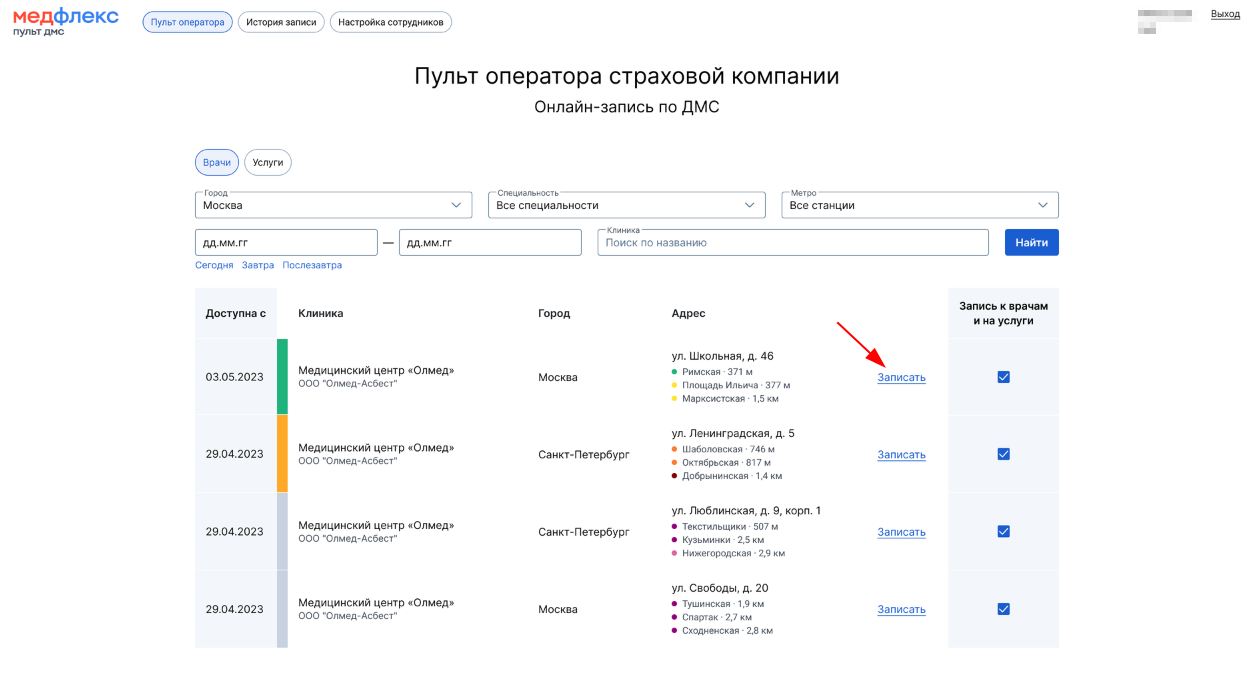
3. Find a suitable clinic using filters or search.
4. Click «Записать».
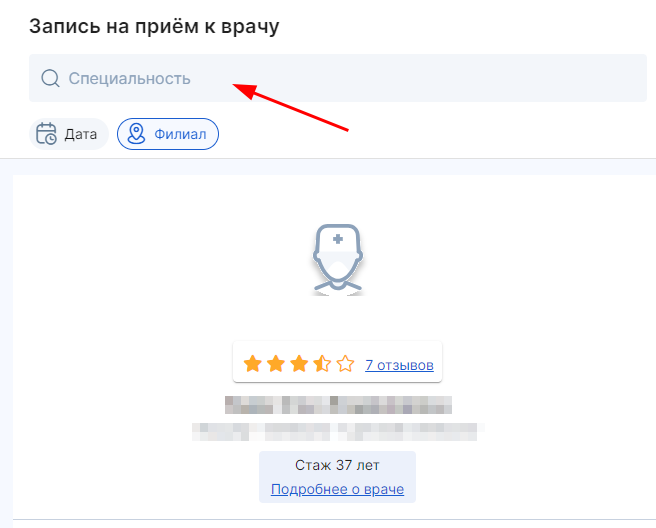
5. In the tab that opens, select the doctor's specialty.
6. Select the appropriate doctor.
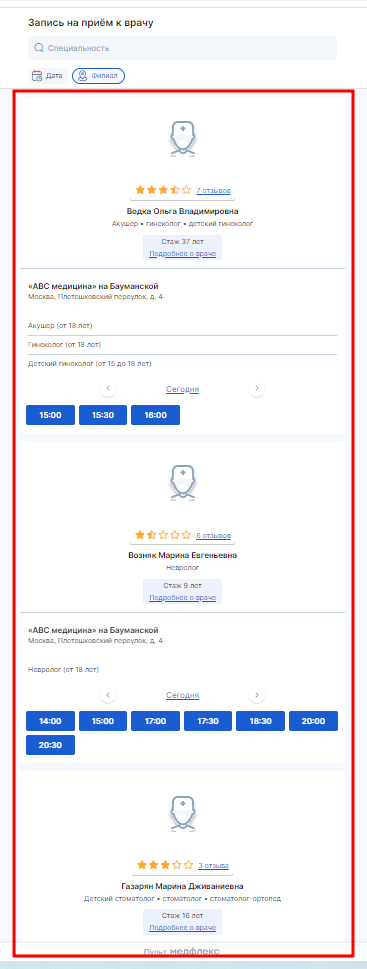
7. Select a date using the calendar on the top panel or by changing the days at the bottom of the doctor's card.
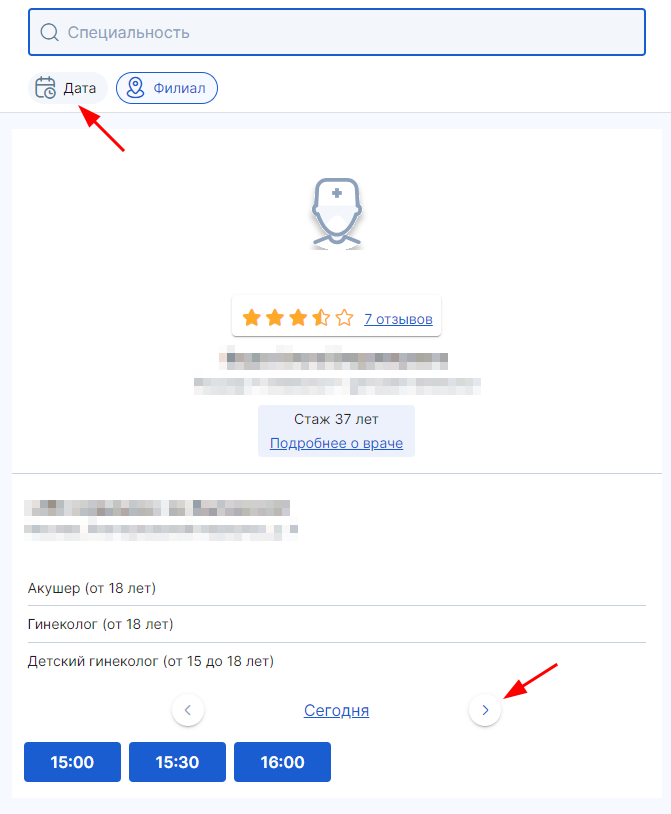
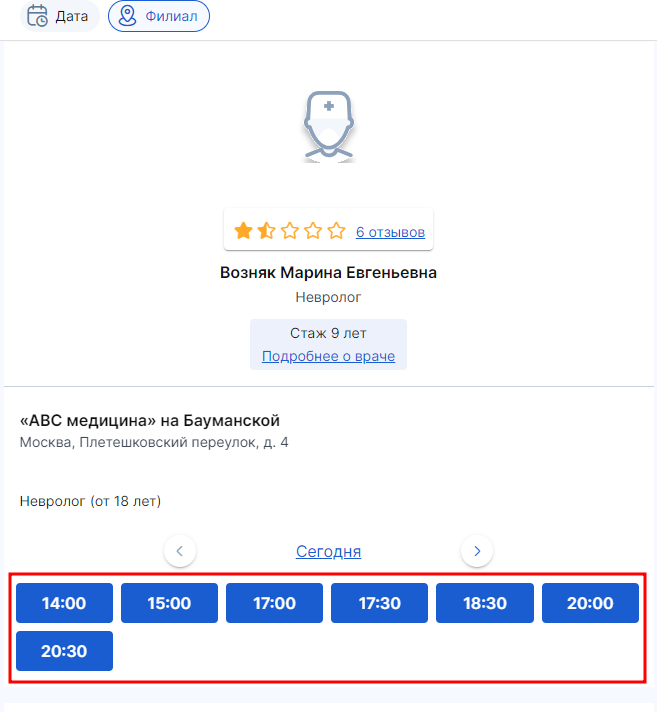
8. Select the time from the available slots.
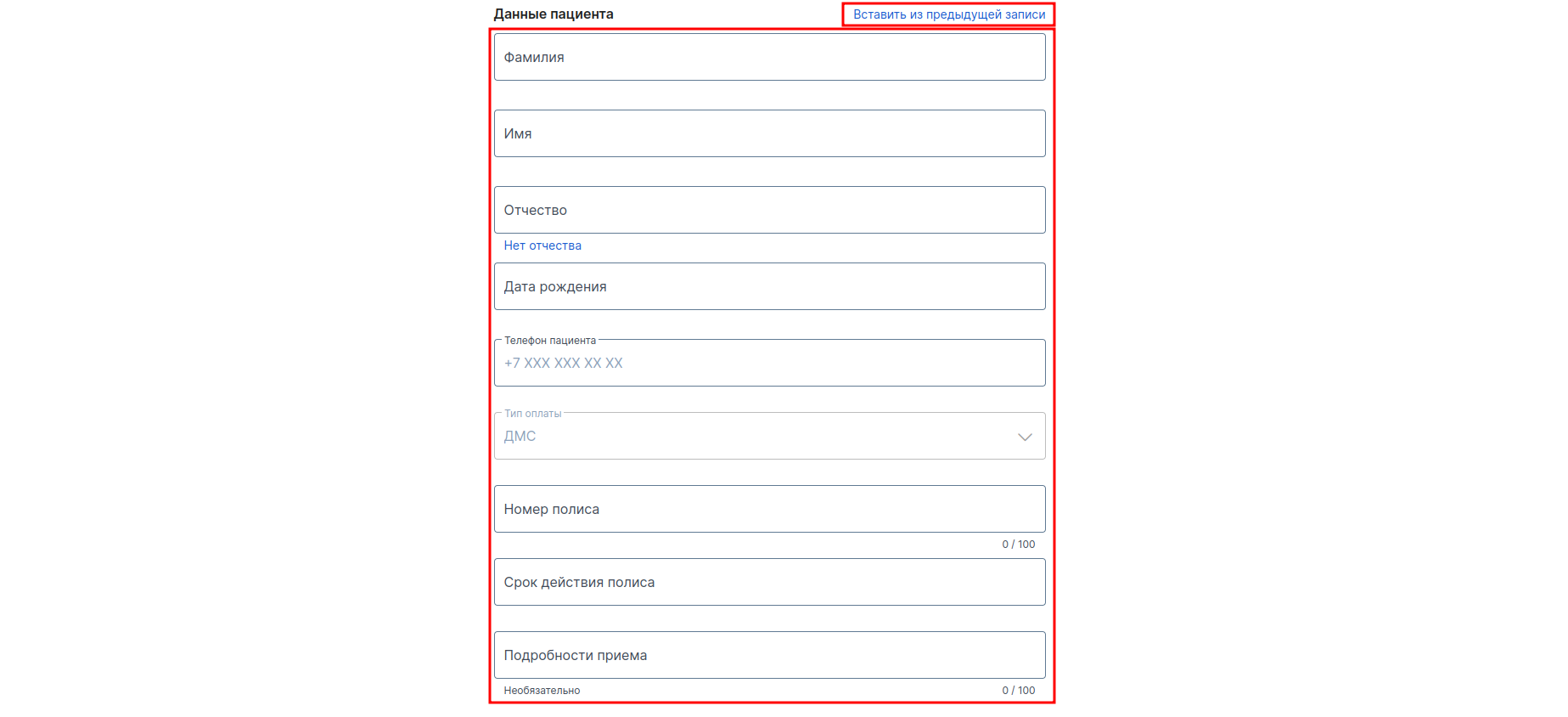
9. Fill in the patient's details.
If you make multiple appointments in a row for the same patient, you can click the button«Вставить из предыдущей записи». The data will be entered into the fields automatically.
10. Press the button«Записать».
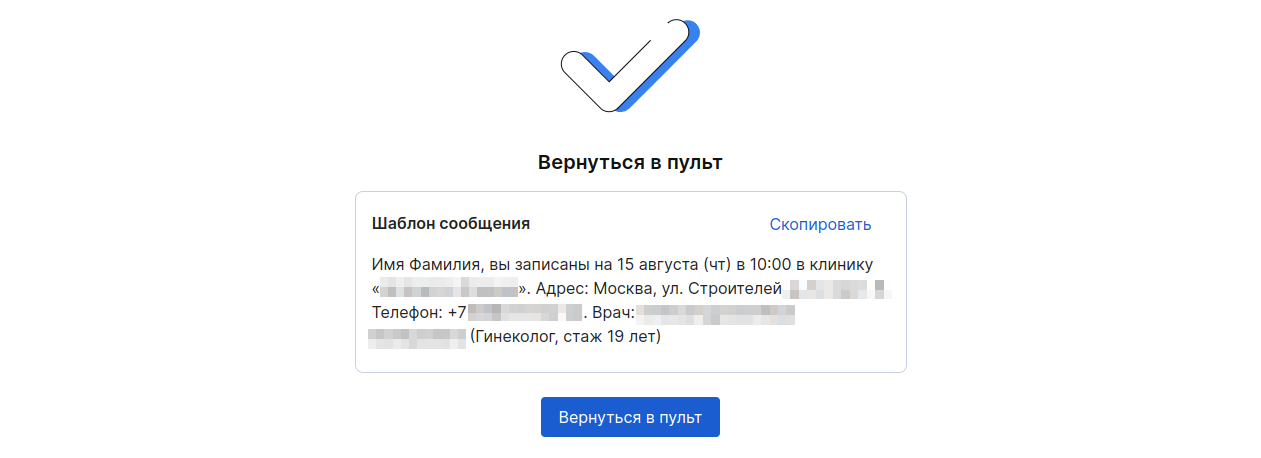
Upon successful recording, information about the appointment will appear on the screen. The text can be copied and sent to the patient.
You can view the recordings made via the remote control and download the report in the section «История записей». Read more in the article «История записей».