Setting up an account for services
- Create a list of services for each doctor.
To do this, go to «Справочники»and click «Списки услуг».
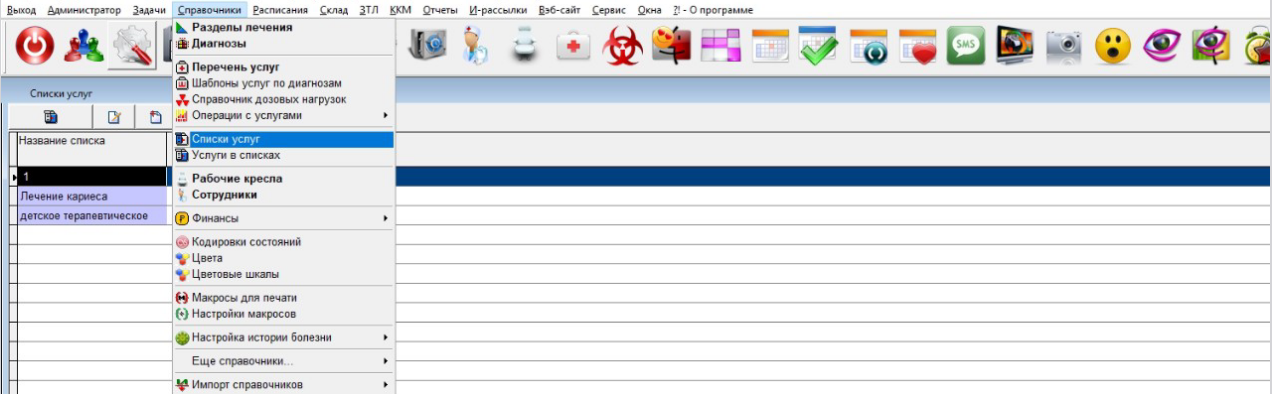
2. Create a new list.
Use the template as the name for the list.:
last name first name patronymic: <doctor's id>.
For example: Ivanov Ivan Ivanovich: 123.
- To find out the doctor's ID, go to «Справочники»and select«Сотрудники»
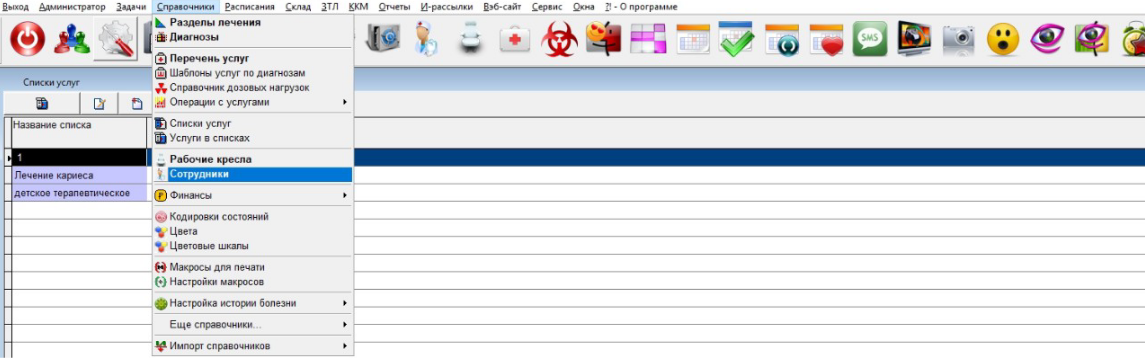
- The doctor's ID will be in the field«Код».

3. Add services to this list by going to «Справочники»and clicking «Услуги в списках».
4. In the menu that opens, add the services to the lists.
When adding an entry, specify the name of the required list. Double-clicking on the field will display the available lists.
5. In the field on the right, add the service you want to see in this list, and click «Сохранить».
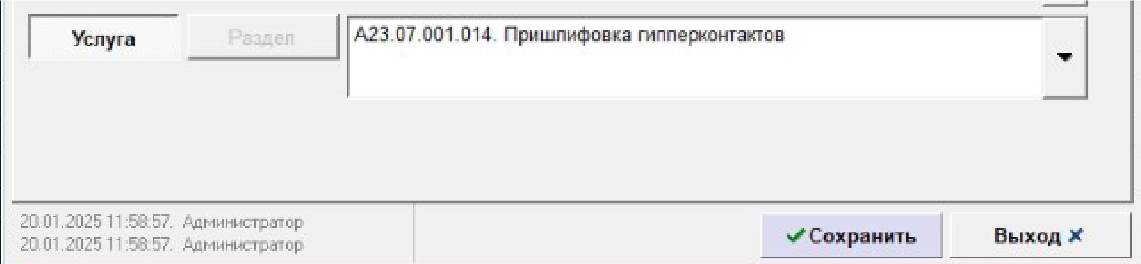
Repeat this operation for the other services that need to be added to the doctor.
Setting up the duration of services 
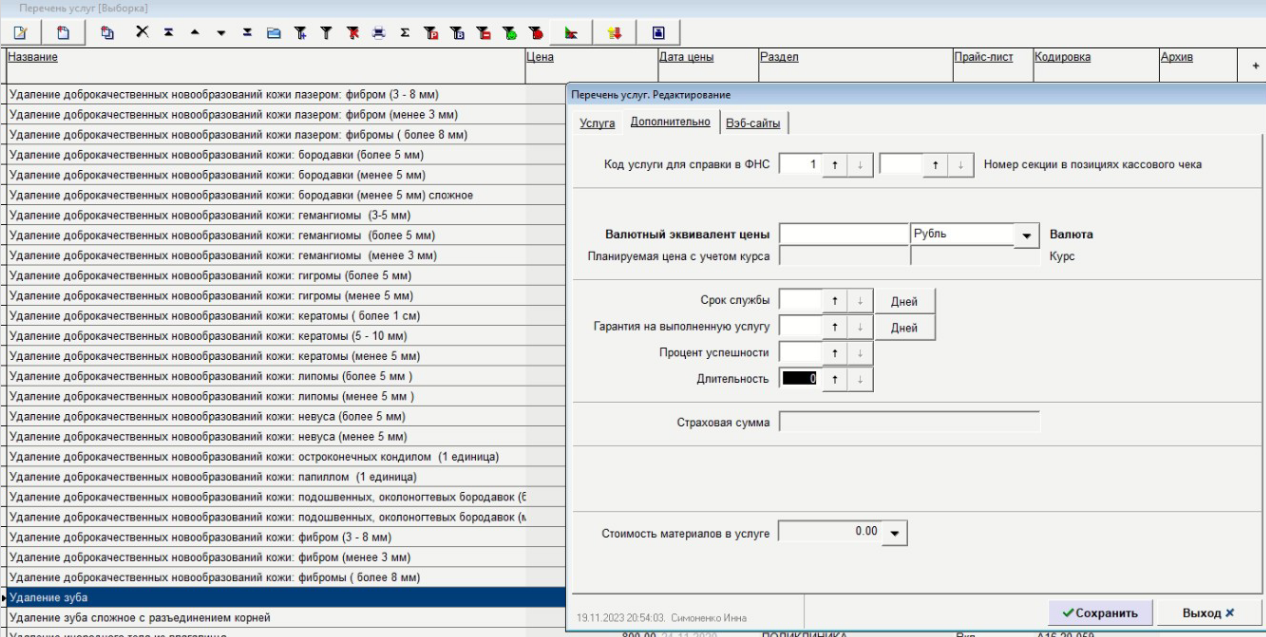
- Go to «Справочники», select«Перечень услуг», and log in to the editing panel of the service for which you want to set up an online account.
- Go to the tab «Дополнительно»and «Длительность»specify the duration of the service in minutes in the field.