


Content:
The integration is needed to run ads for a Yandex Business advertising subscription in the Medflex personal account.
Help for working with Yandex Business
Important! If you have already created cards for promotion in Yandex, they will be blocked when integration with Medflex is enabled. The information from them will be saved, but it will disappear from Yandex services, and the cards cannot be edited or promoted.
How to enable integration 
- Log in to the section «Магазин интеграций»in your Medflex personal account.
- Select «Яндекс.Бизнес»in the block «Метрики и реклама»and go to integration.
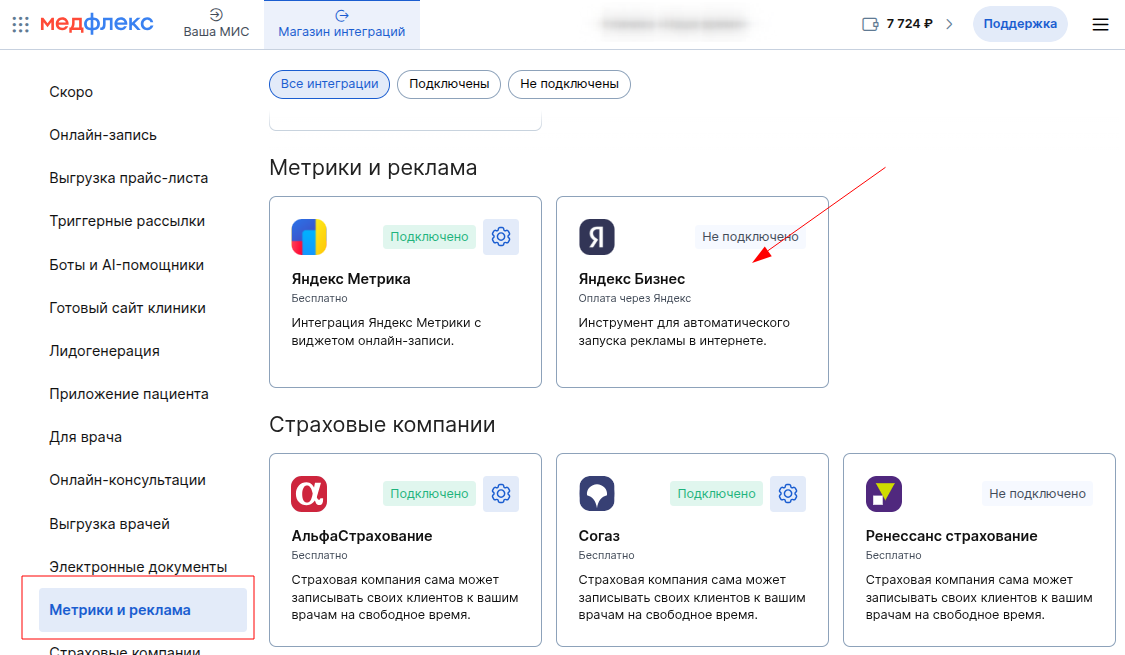
3. On the page that opens, click «Подключить»at the top right.
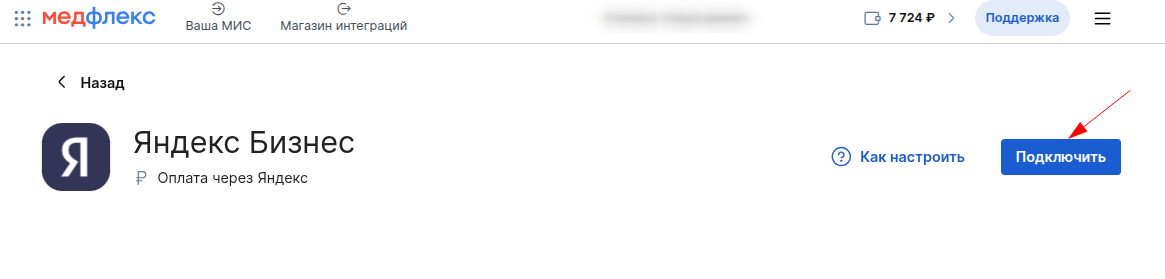
Important! In your Yandex Business account, you will need to select Medflex as a source of goods and services with prices. Unfortunately, you cannot select multiple sources. How to choose the download source of the price list.
How to set up advertising campaigns
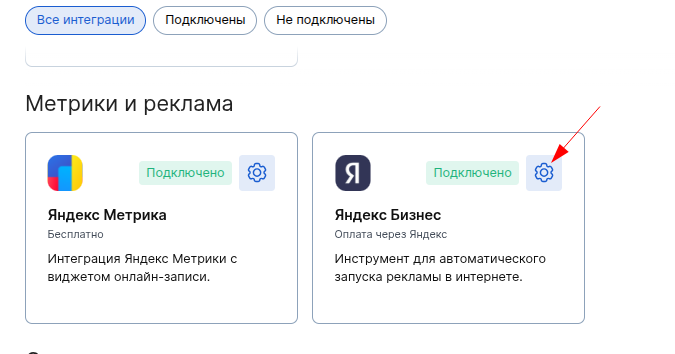
Go to the integration settings: the button «Настроить»on the integration page or the gear icon on the integration card in the integration store.
Here you can set up ads from Yandex Business.
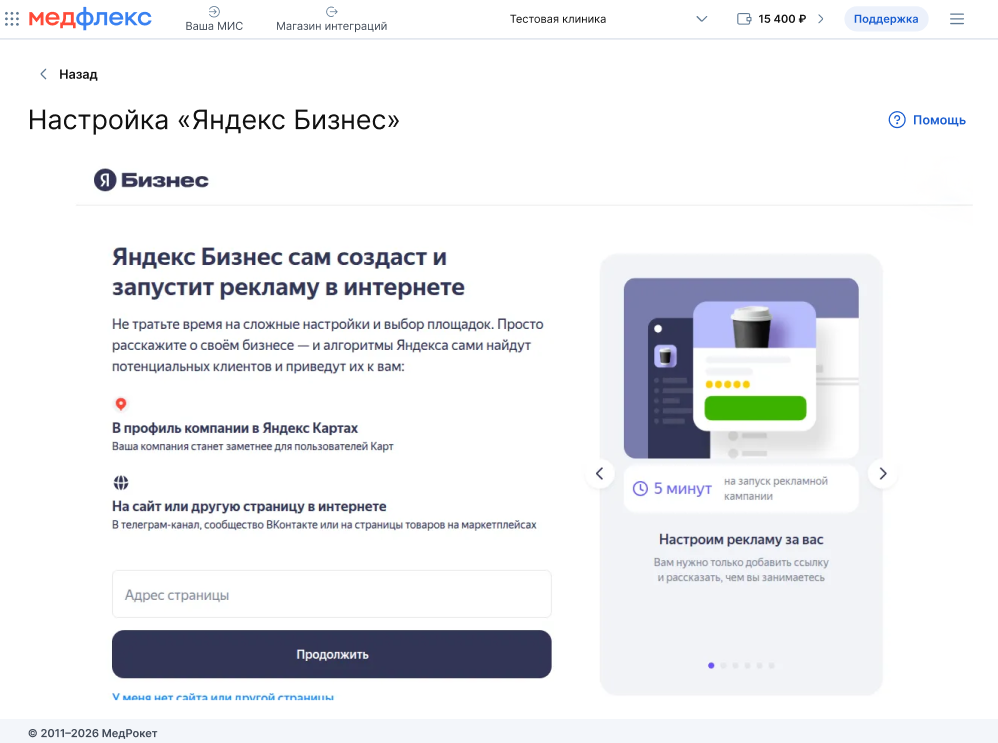
If you have any questions about the setup, please contact the Yandex support chat.
How much does it cost
The integration is free.
The budget of the advertising campaign is offered by Yandex Business.