List of employees and main employee services 
In the directory«Сотрудники», the employee should not be marked for deletion, should not be archived, should participate in the schedule.
Path: «Персонал и зарплата»→ «Сотрудники».
If the «Настройки обмена с МедФлекс»attribute is set «Выгружать не участвующих в расписании врачей»to , then employees with the attribute «Не участвует в расписании»will be uploaded.
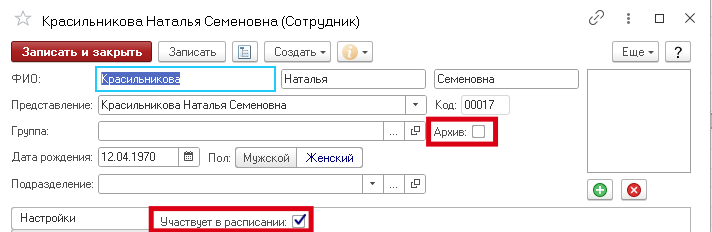
Employees are unloaded from the information register«Графики работы».
Path: «Персонал и зарплата»→ «Установка графиков работы».
The main duration of the reception is downloaded from the directory card«Сотрудники».
Path: «Персонал и зарплата»→ «Сотрудники».
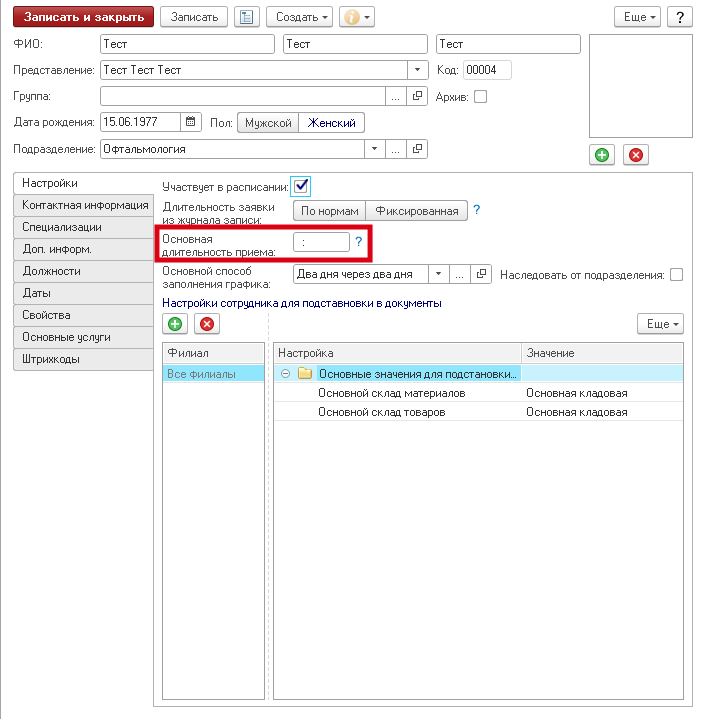
If the main duration of the appointment is not specified, the value will be taken from the main specialization of the employee.
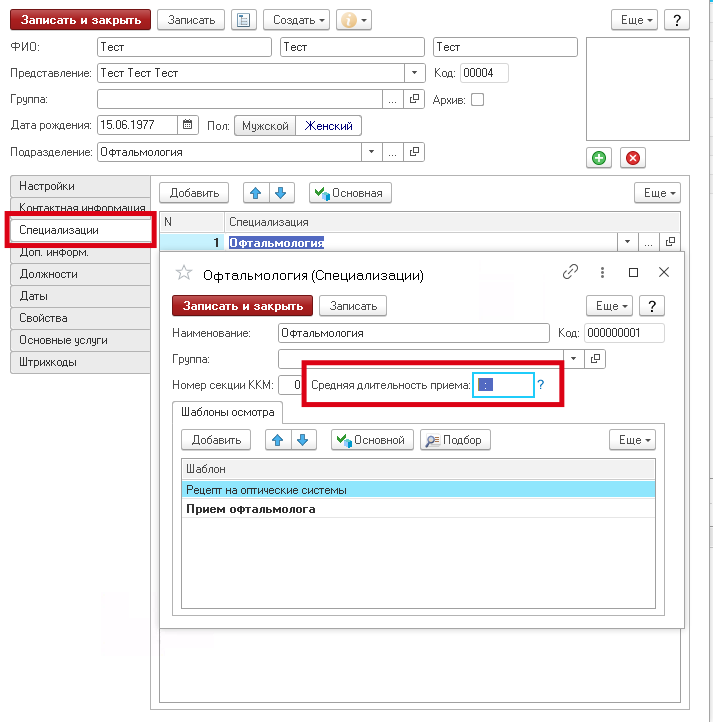
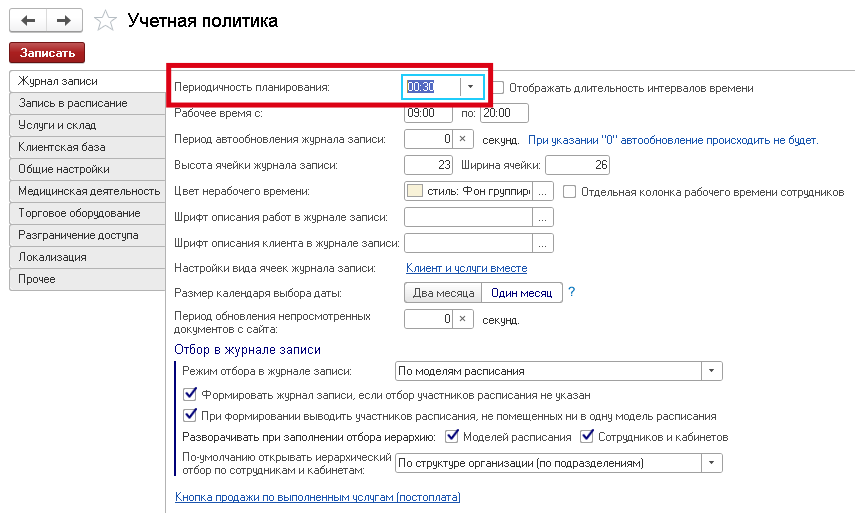
If the duration of admission is not specified in the specialization, the value will be taken from «Учетной политики».
Path: «Администрирование»→ «Учетная политика»→ «Журнал записи»→ «Периодичность планирования».
Services are unloaded from the information register«Основные услуги сотрудников».
You can fill in the services provided and the duration of the employee's services in the directory card«Сотрудники».
Path: «Персонал и зарплата»→ «Сотрудники».
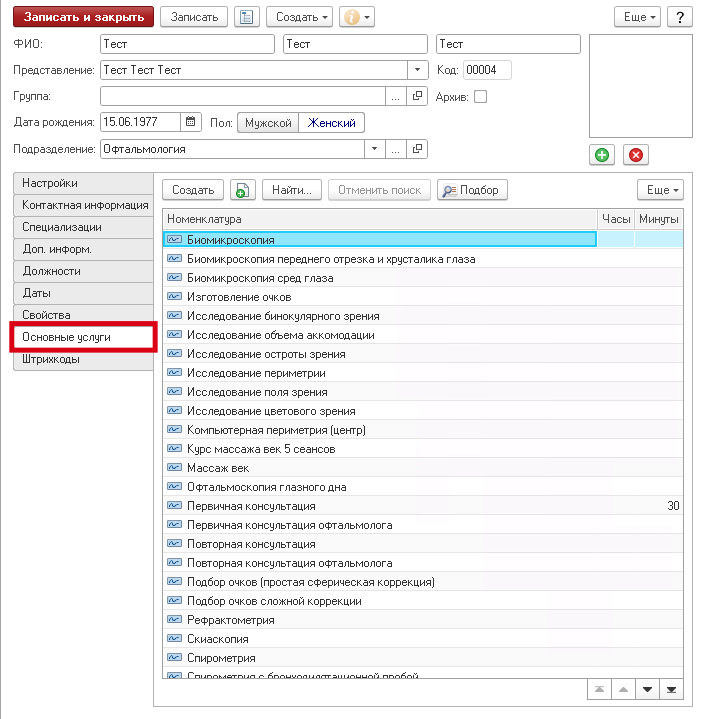
If the service duration is not listed in the information register«Основные услуги сотрудников», the value will be downloaded from the directory card«Номенклатура».
Path: «Запасы»→ «Номенклатура».
If the duration is also missing from the item card, the value will be taken from «Учетной политики».
Path: «Администрирование»→ «Учетная политика»→ «Журнал записи»→ «Периодичность планирования».
Doctors' schedule
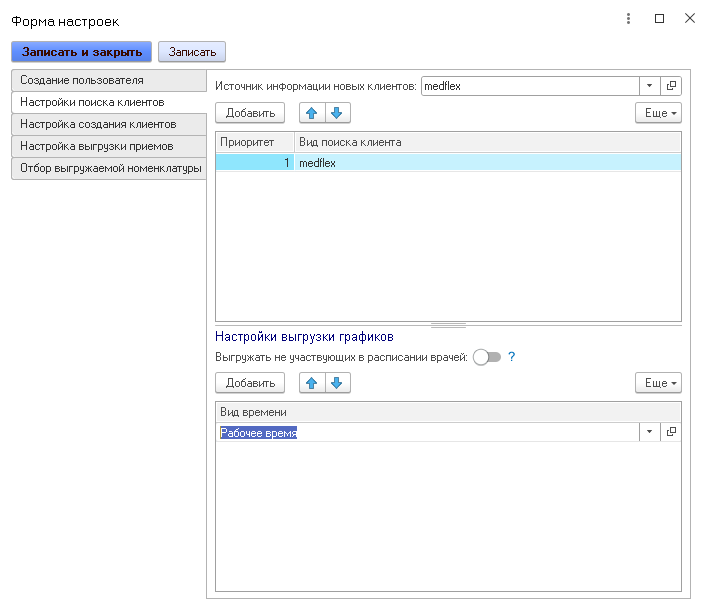
The time types must be filled in «Настройки обмена с МедФлекс».
The time type is used by default«Рабочее время».
If the time types are not specified in the settings, then all existing ones in the database will be uploaded.
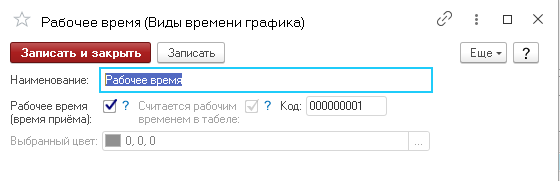
There must be a check mark in the time «Рабочее время (время приёма)»field .
In the directory«Сотрудники», the employee should not be marked for deletion, should not be archived, should participate in the schedule.
Path: «Персонал и зарплата»→ «Сотрудники».
If the «Настройки обмена с МедФлекс»attribute is set «Выгружать не участвующих в расписании врачей»to , then employees with the attribute «Не участвует в расписании»will be uploaded.
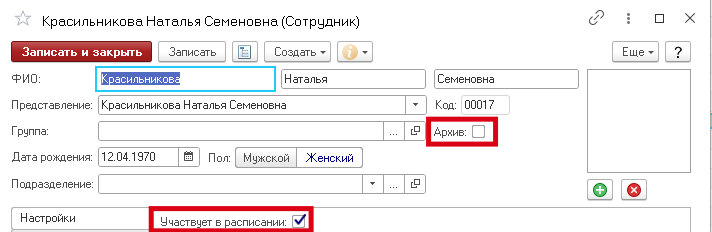
They must be created «Графики работы»through a document «Установка графиков работы».
Plus, the mode must be specified«График сотрудников по кабинетам».
Path: «Персонал и зарплата»→ «Установка графиков работы».
Other modes are not supported. We get the graph from the information register «Графики работы». The time type must be specified from «Настройки обмена с МедФлекс»→ «Настройки выгрузки графиков».
Prices for services
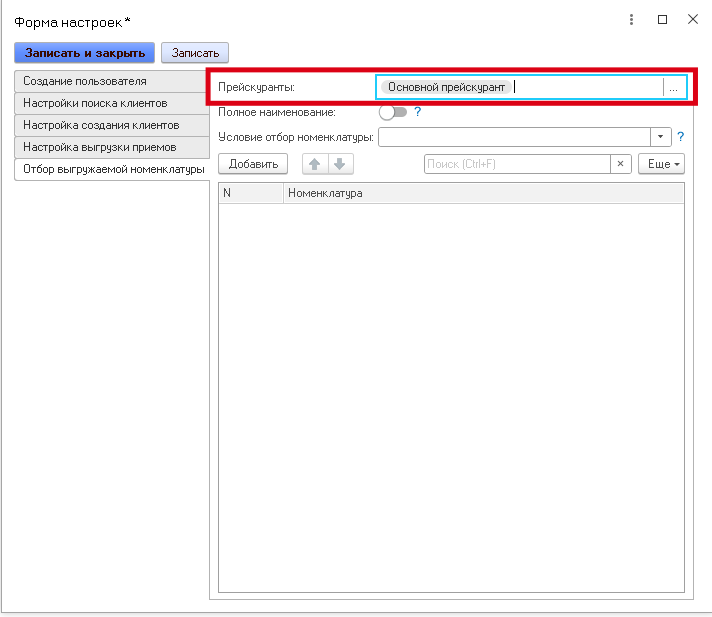
The price lists must be filled in «Настройки обмена с МедФлекс».
Path: «Администрирование»→ «Учетная политика»→ «Общие настройки»→ «Основной прейскурант».
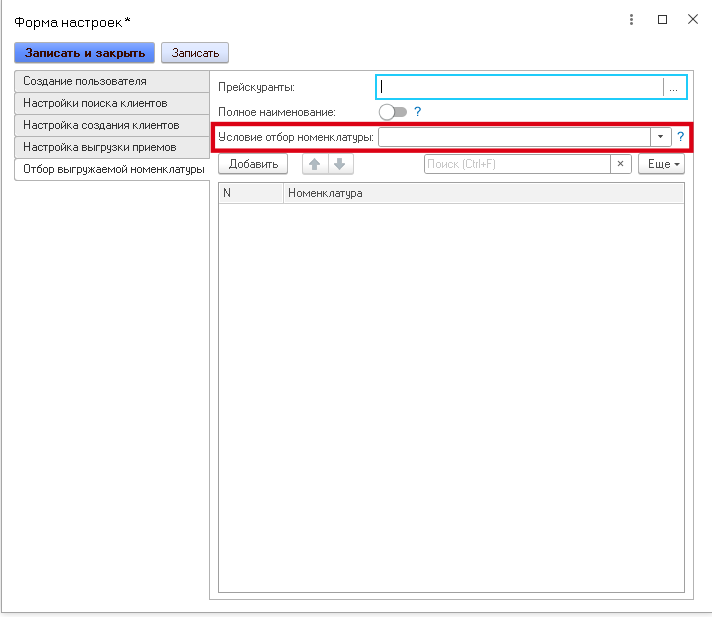
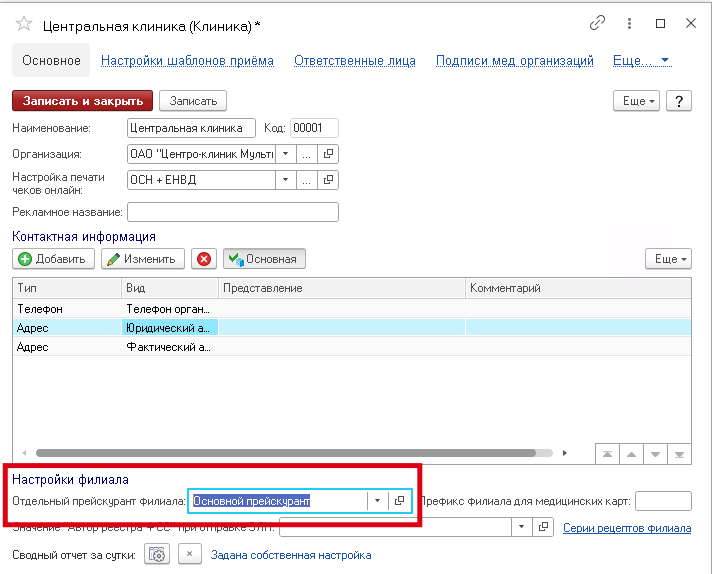
If the «Настройки обмена с МедФлекс»price lists are not specified, the price will be uploaded according to the price list indicated in the branch card of the directory «Клиники».
If individual price lists are not specified, the value will be taken from the accounting policy.
If an «Настройки обмена с МедФлекс»item is specified in the selection table for the uploaded item, then the selection condition («В», «НЕ В», ) must also be set «РАВНО»in order for this condition to take effect.
«В» — the values contained in the group will be selected (used in the context of groups).
«НЕ В» — values other than those contained in the group will be selected (used in the context of groups).
«РАВНО» — only the element will be selected (used in the context of the elements).
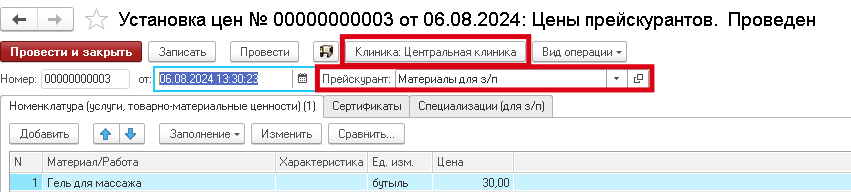
Prices must be created through the document «Установка цен».
Plus, the branch and the price list must be indicated in the document.
Path: «Ценообразование»→ «Установка цен».
When unloading the prices of an item, the prices of the specified price list will be uploaded to the specified branch. The price list from «Настройки обмена с МедФлекс»must match the price setting.