


How to create a link to a widget where a patient will make an appointment for an online consultation with a doctor:
Important! Integrations «Онлайн-консультации по расписанию клиники»and must be enabled and configured «Ссылка на врача».
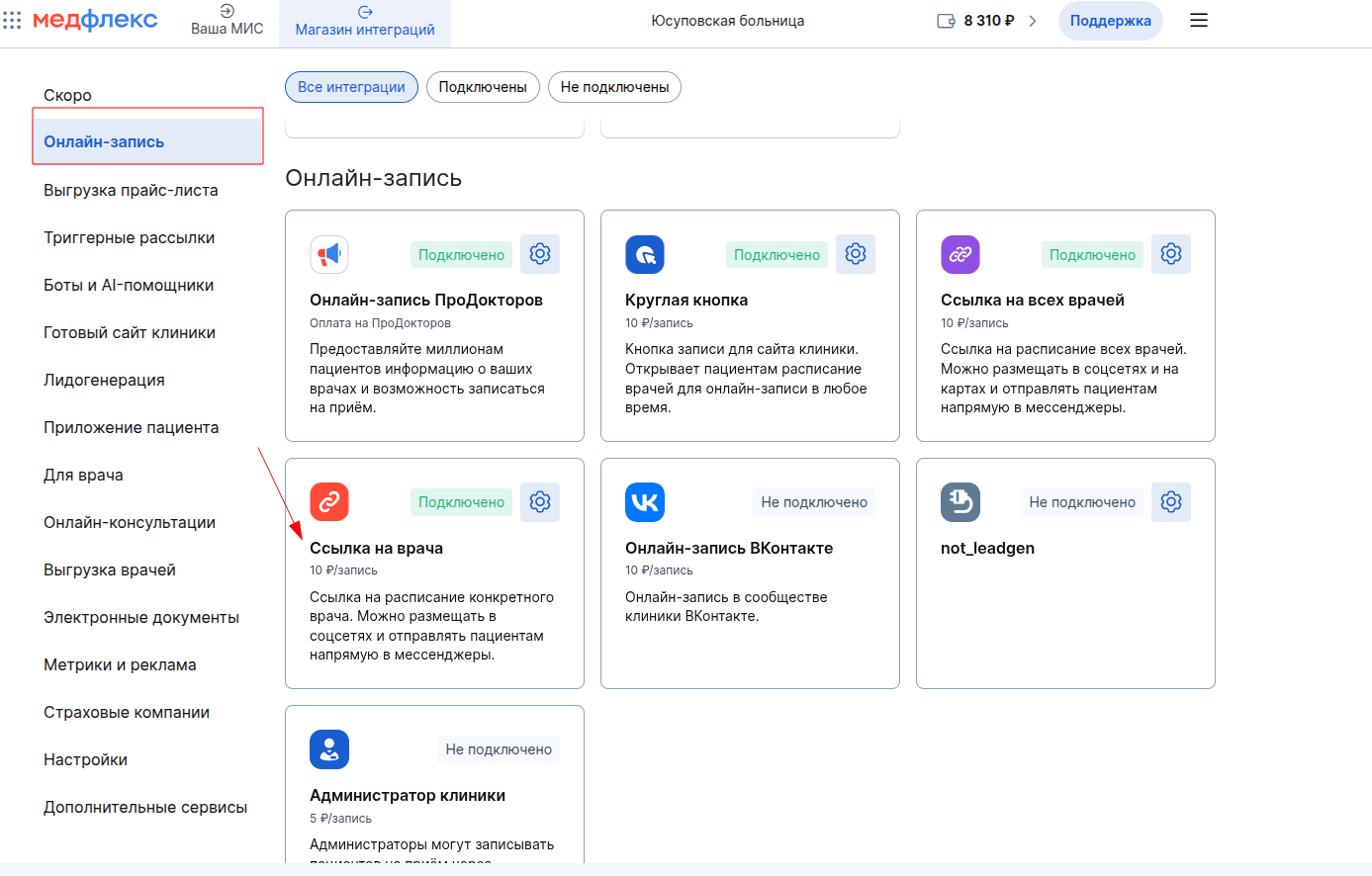
- Log in to the section in your personal account at «Магазин интеграций»Medflex.

2. «Онлайн-запись»Select the widget in the tab«Ссылка на врача».
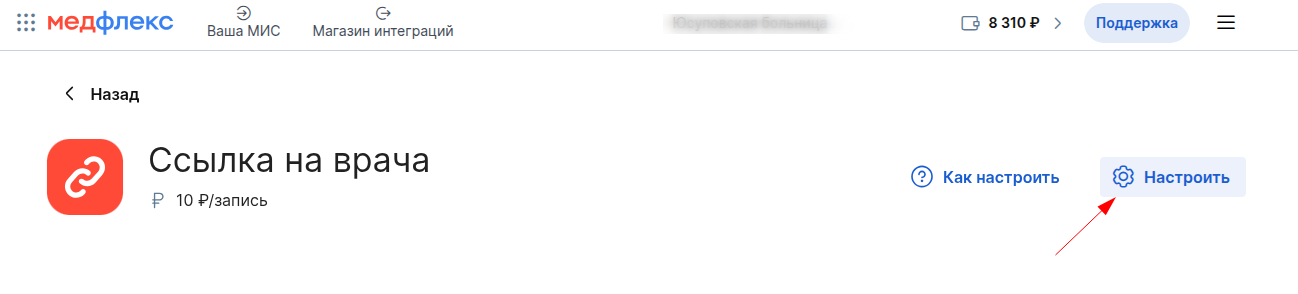
3. Click «Настроить».
4. Copy the link to the desired doctor.
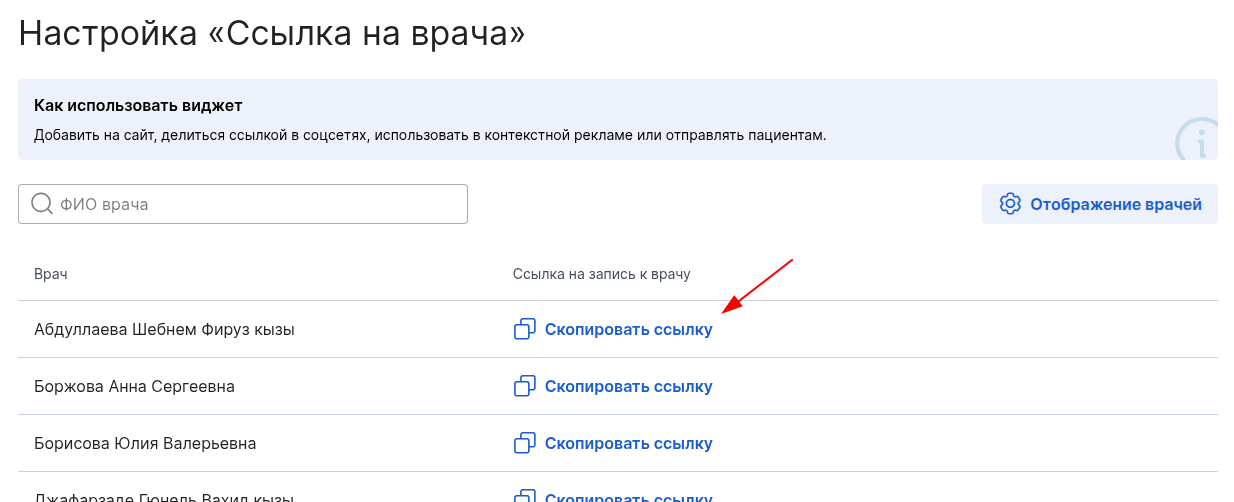
5. Then «https://booking.medflex.ru»add in the link «/telemed»to get a link like this: https://booking.medflex.ru/telemed ?user=jjppz04g70wi4noypkbzkwwnl3053lsx&employeeId=5531162&source=4
6. You can use this link to make an appointment for an online consultation with your chosen doctor via the widget.