


Content:
- Adding funds to your account
- History of operations
- UPD and reports
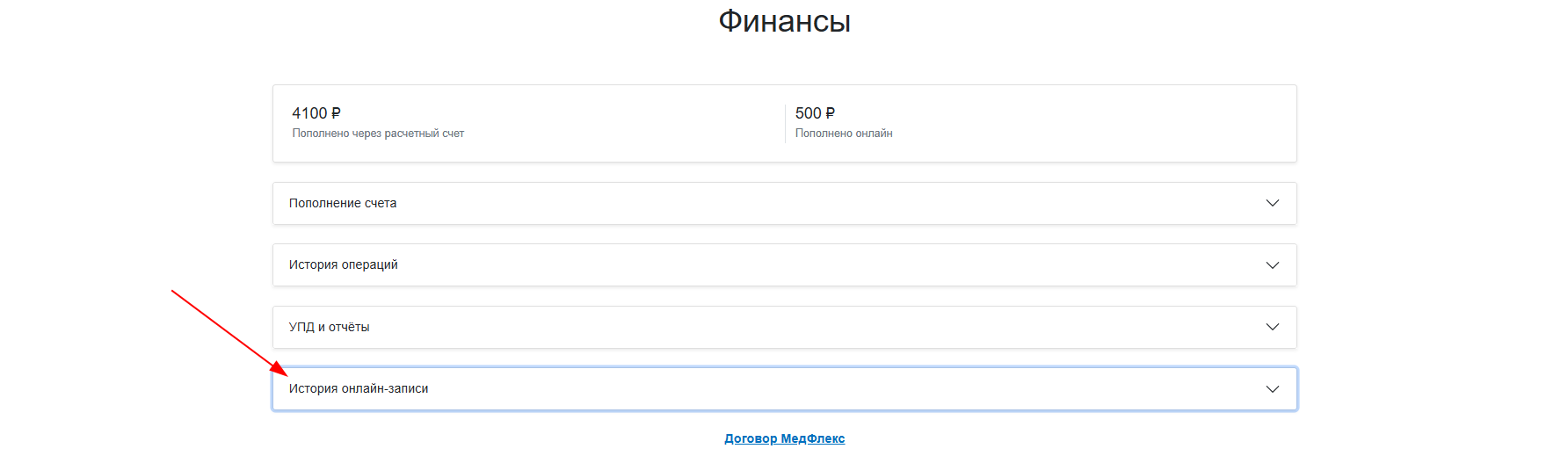
- Online recording History
- The history of online recording in the CIS
In this section«Финансы», you can top up your Medflex account, view your payment history, download closing documents for accounting, and receive a report on online records.
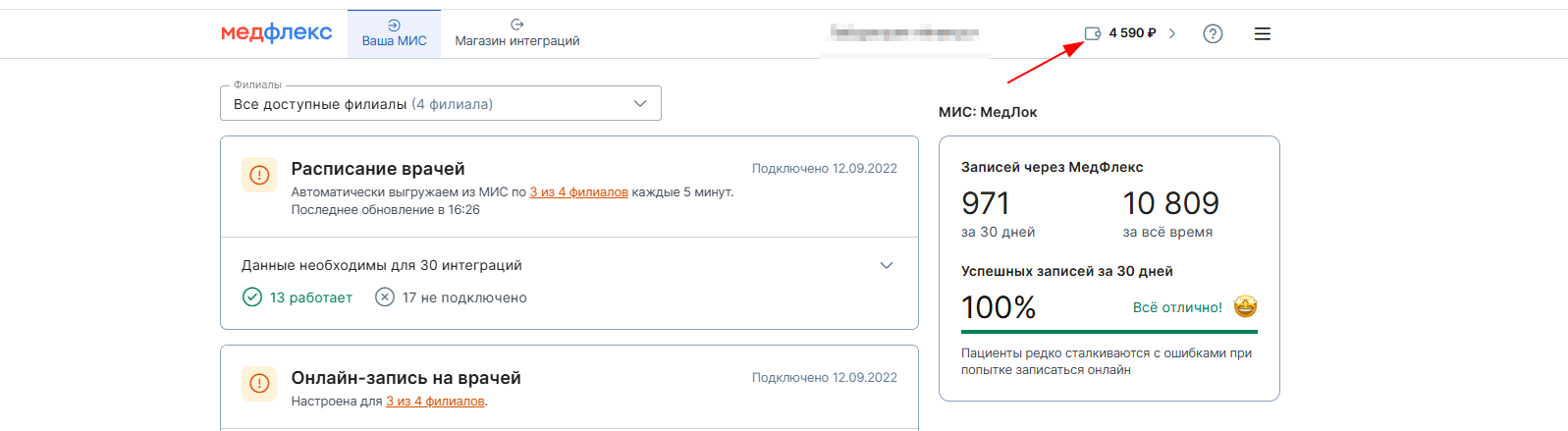
To go to the section«Финансы», click on the wallet icon in the upper-right corner of your personal account.
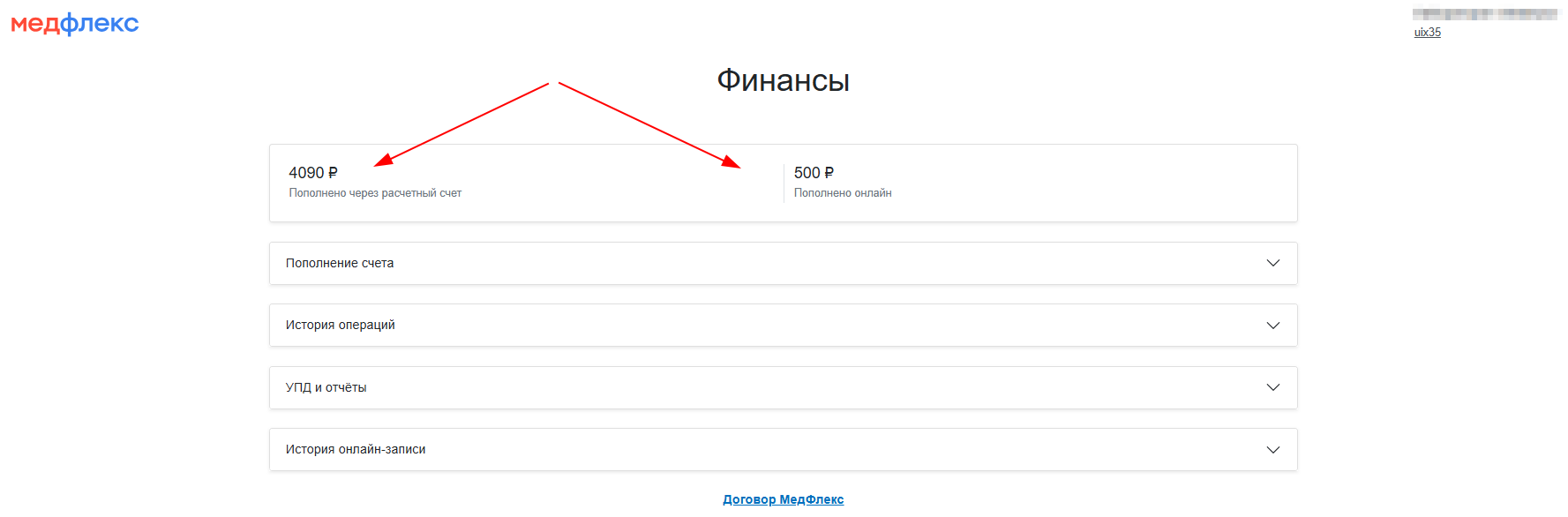
The top line shows the current balance of the clinic in the Medical complex. It is divided into transactions according to the method of replenishment: «Пополнено через расчётный счёт»and «Пополнено онлайн (по карте)».
Adding funds to your account 
Minimum deposit amount: 1,000 rubles.
To top up your account:
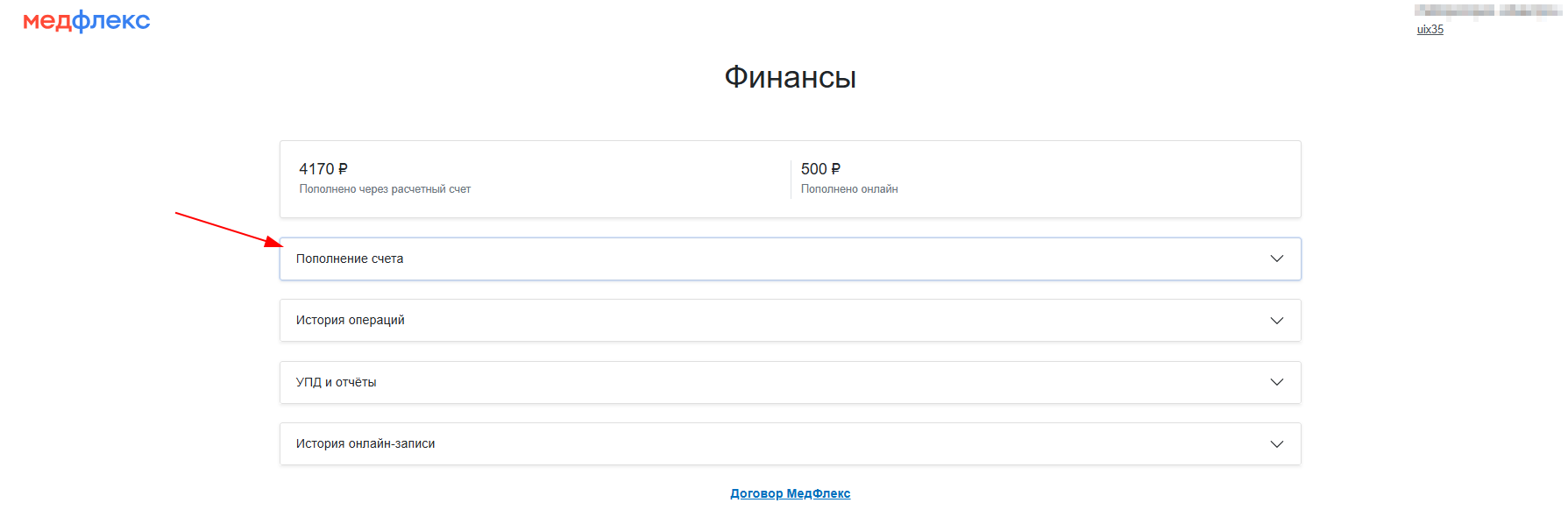
- Click«Пополнение счёта».
2. Select the replenishment option:
- Invoicing (for a legal entity).
- Online (payment by card and through the SBP).
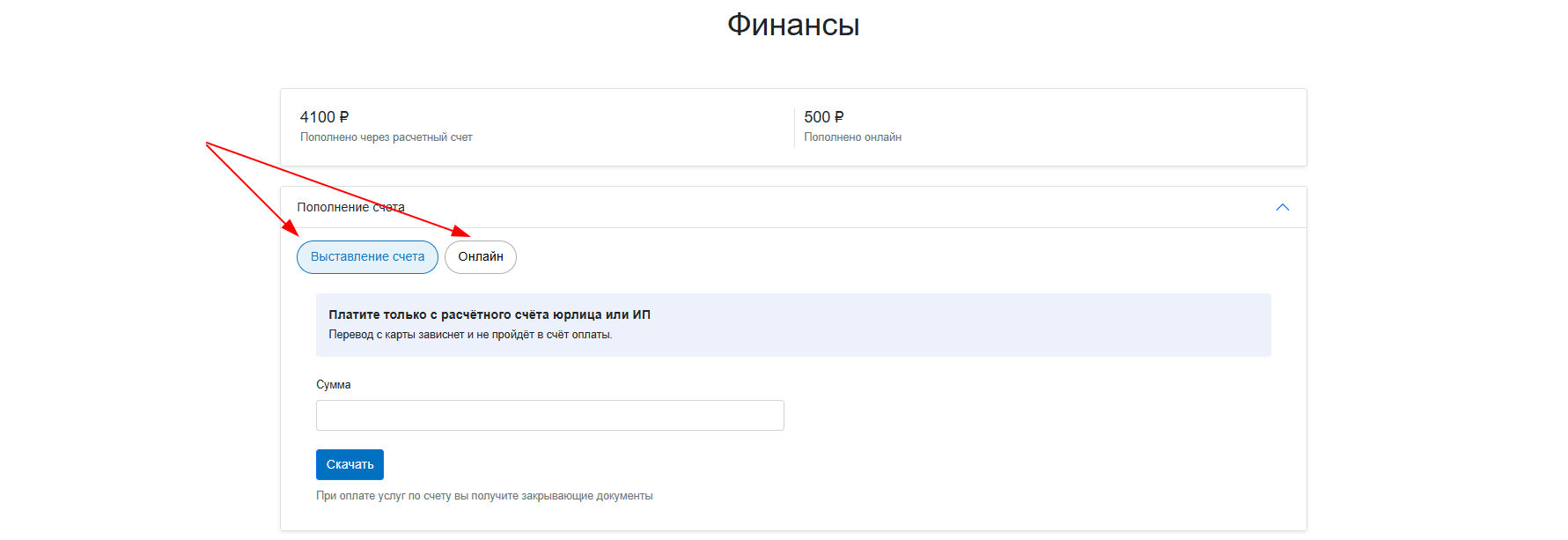
To download the invoice, fill in the amount and click «Скачать».
Important!
- Pay the bill only from the checking account of a legal entity or sole proprietor. The payment from the card will be suspended.
- Pay each bill with a separate payment order.
- Specify the purpose of the payment exactly as in the invoice.
Incorrect payments will be refunded within 5 business days.
To make an online payment with a bank card, fill in the amount and click «Пополнить».
History of operations
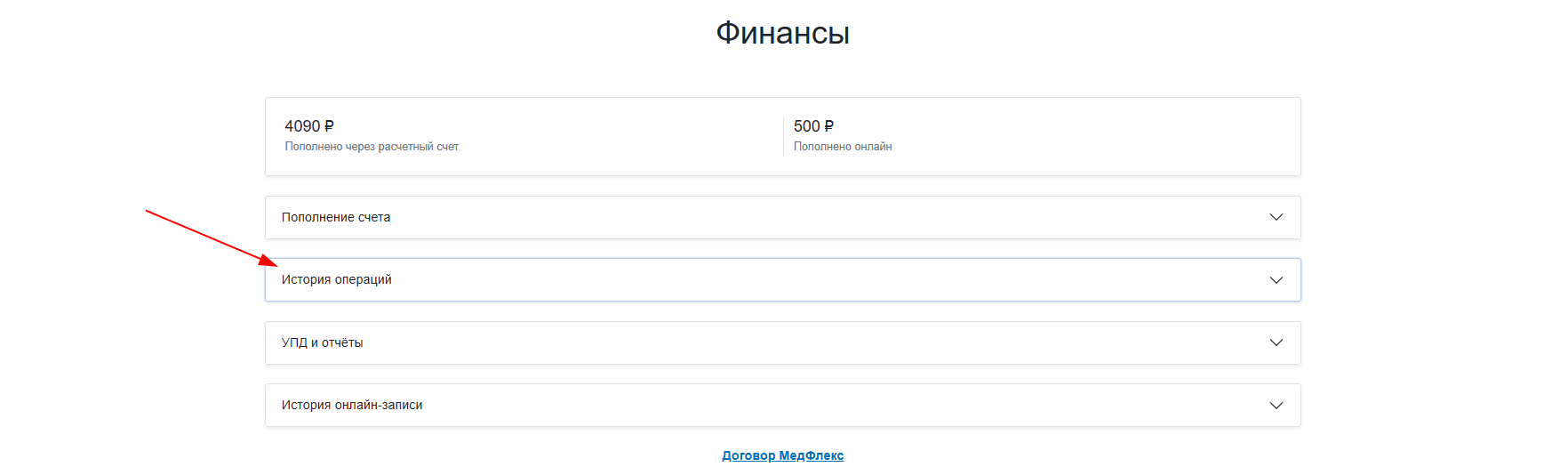
The history is displayed separately for each month.
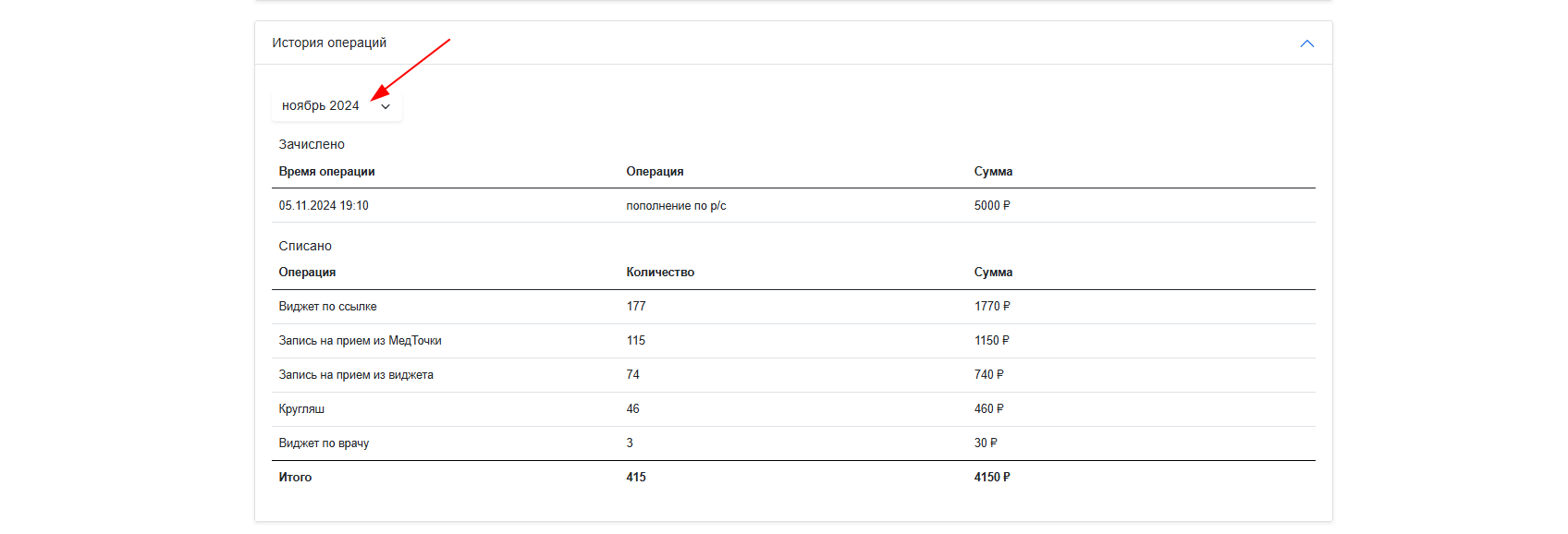
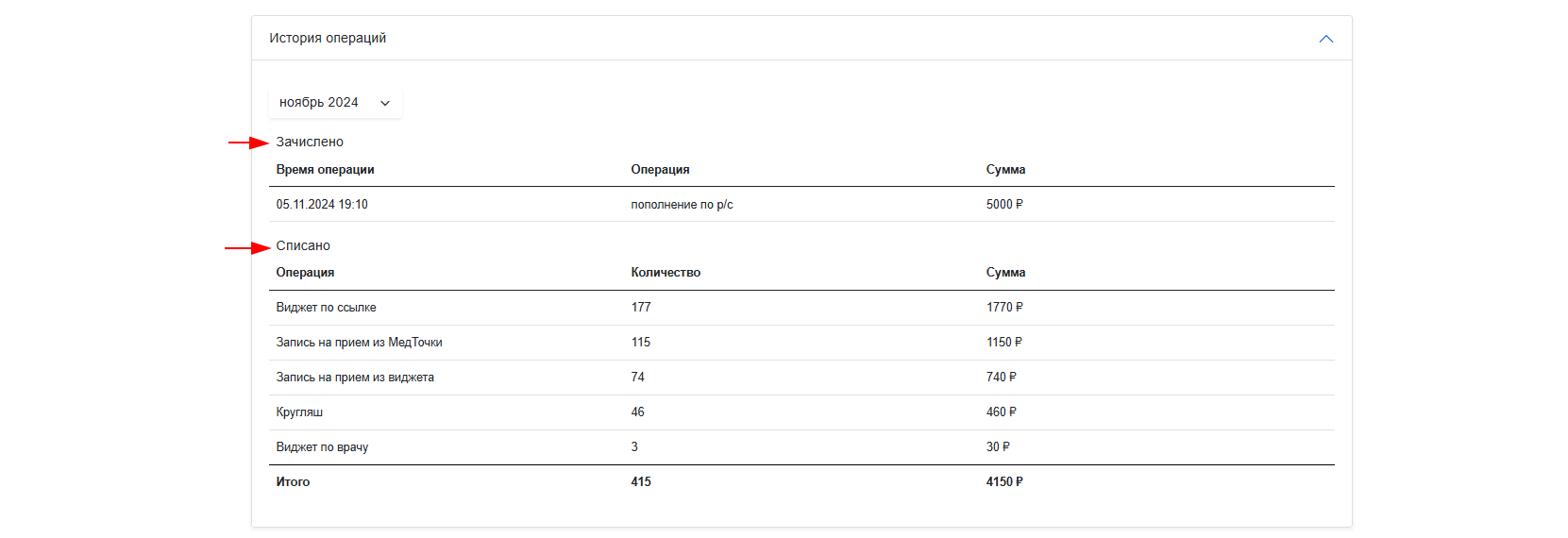
The report for each month includes deposits (operations to replenish the Medflex account) and debits (payments for services rendered).
UPD and reports
To view and download the universal attachment document or detailed report to the agreement:
- Click«УПД и отчёты».
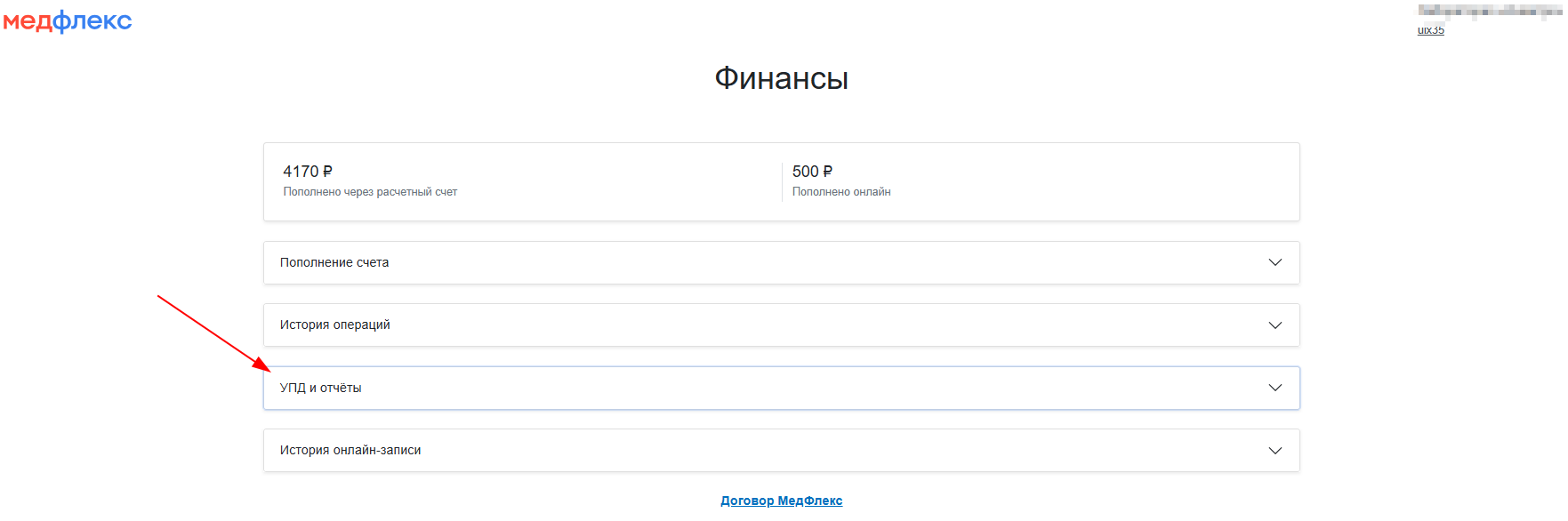
2. Select the transaction type (account replenishment option).
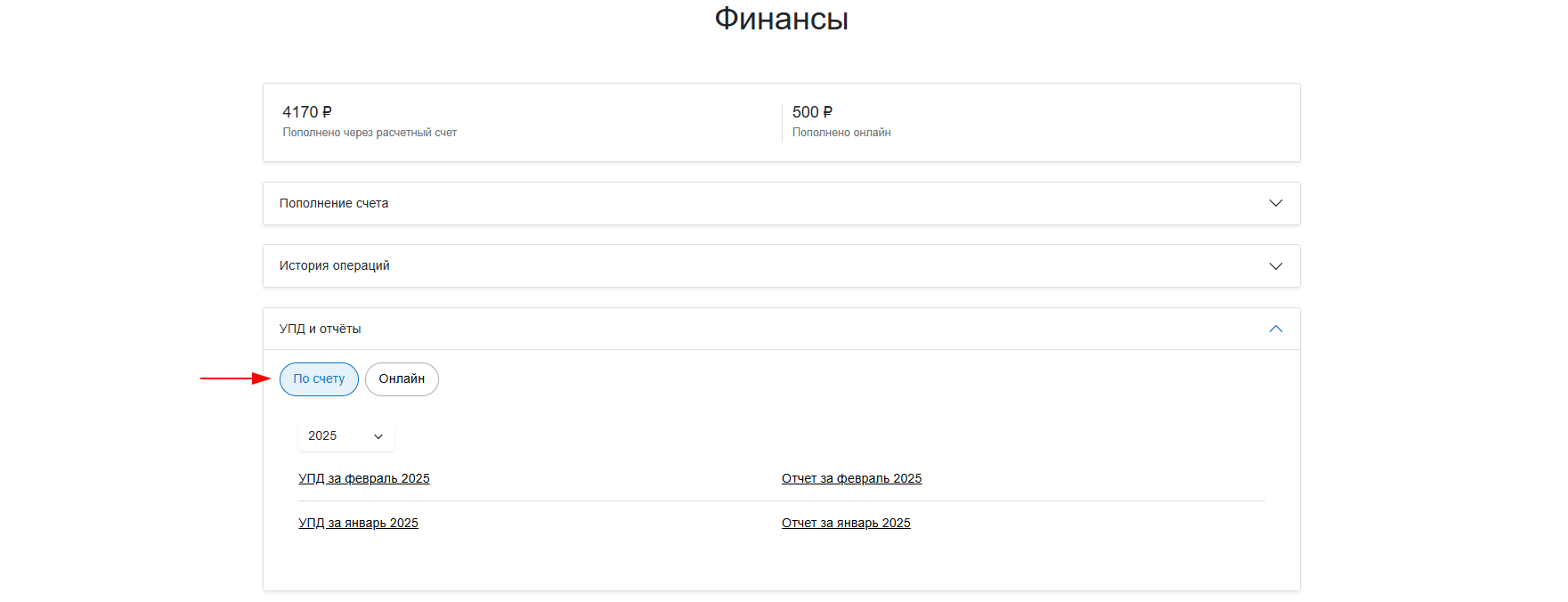
3. The left column will contain all the updates, and the right column will contain the reports.
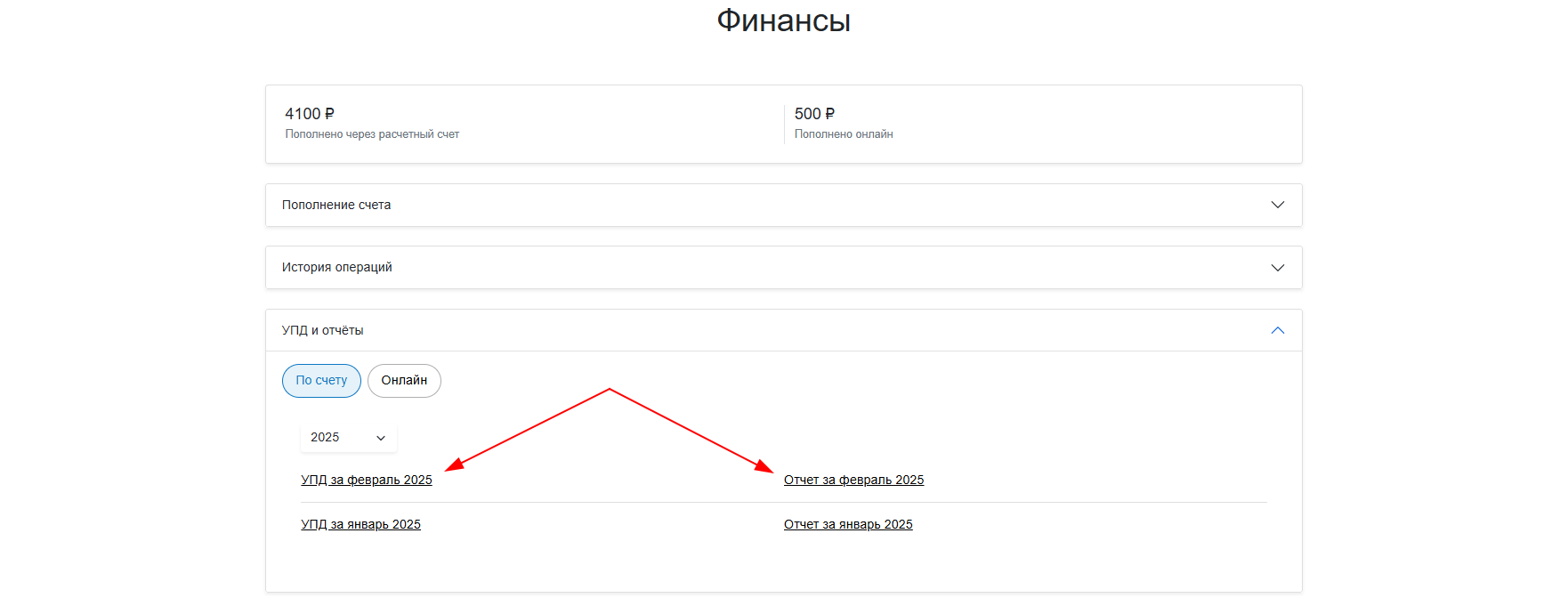
Important! The UPD is formed only for payments on the current account.
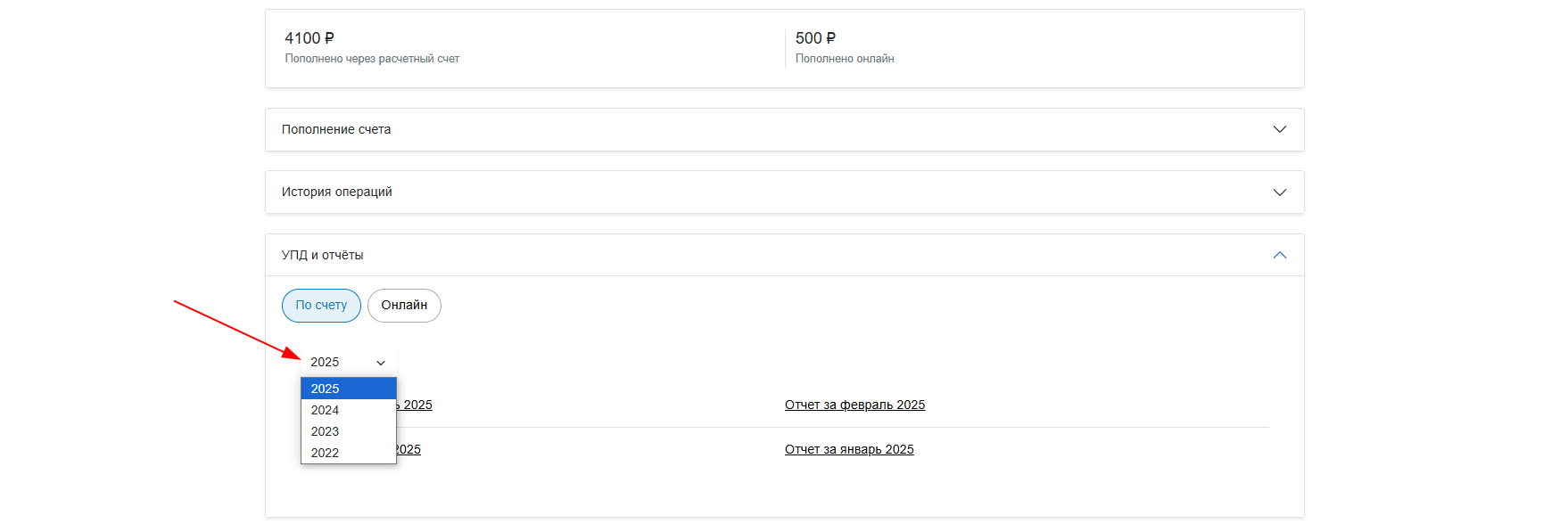
The documents are generated monthly and displayed for the current year. You can select a different year in the field on the left.
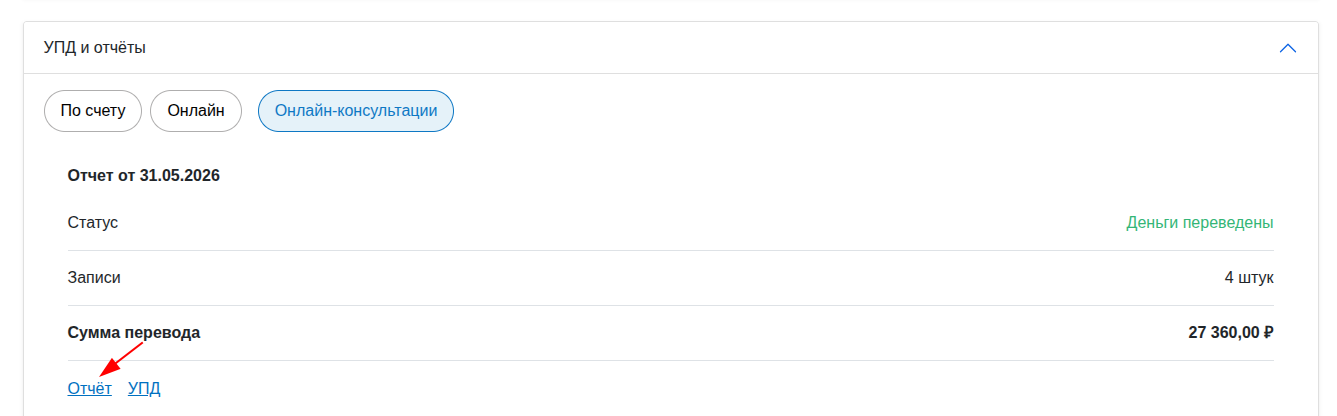
The online consultation report for the selected month is uploaded in the format.xlsx
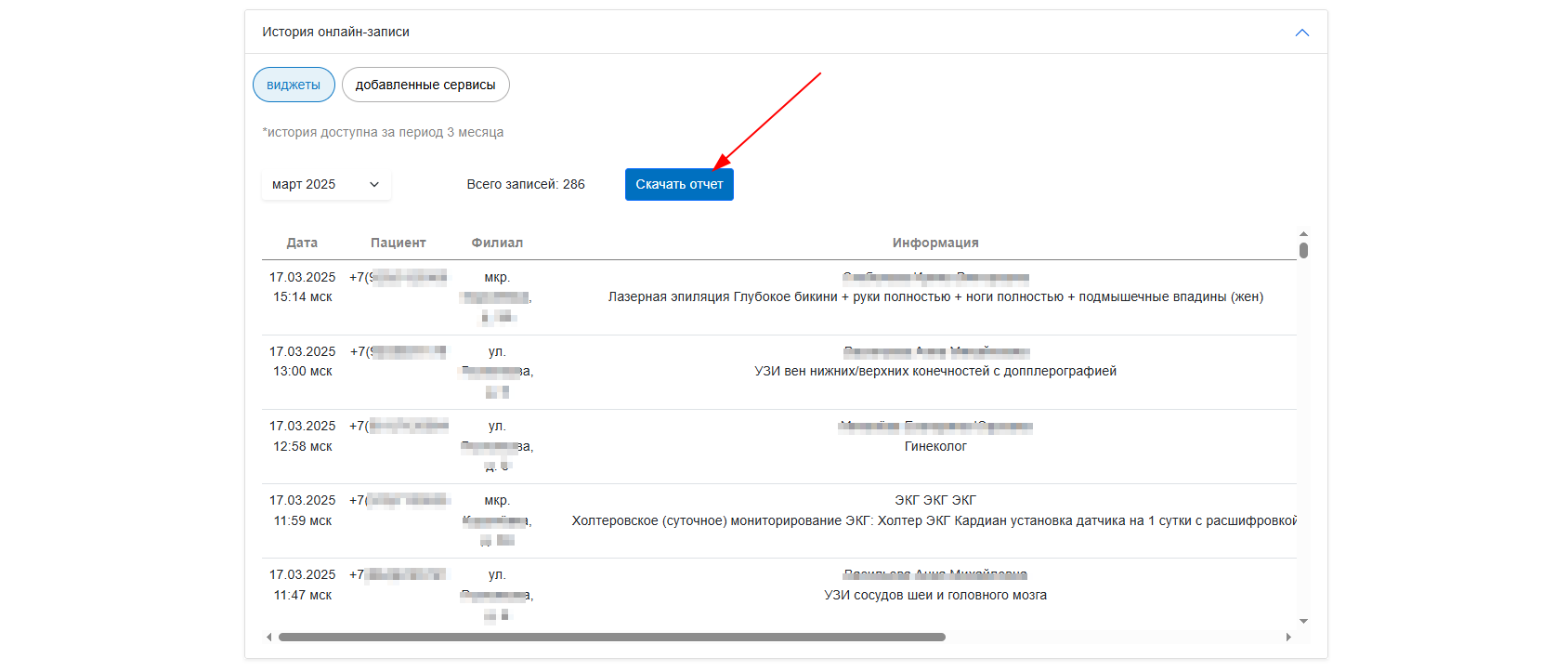
Online recording History
The section stores information about online records for the last 3 months.

The tab «виджеты»contains a report on records from the following integrations:
- Widget: online VKontakte account.
- Widget: round button.
- Widget: Link to doctors/doctor.
- Widget for the administrator.
- Honey point: repeat recording.
- Medical Doctor: record.
The tab «добавленные сервисы»contains a report on records from integrations that the clinic made with a third-party service itself: via API and token.
The report will include:
- Date of recording.
- The patient's phone number.
- Branch.
- Full name of the doctor and the name of the service.
- Date of admission.
- The cost of online registration.
- Source: type of widget or integration.
- Channel: The Internet resource hosting the widget.
The report can be downloaded in XLSX.
The history of online recording in the CIS
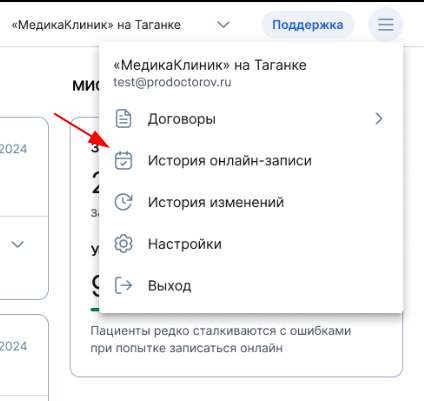
- To view the history of online recordings in the CIS, open the top menu and select «История онлайн-записи».
2. You will see a page «История онлайн-записи»that displays the history of all online entries for the selected month.
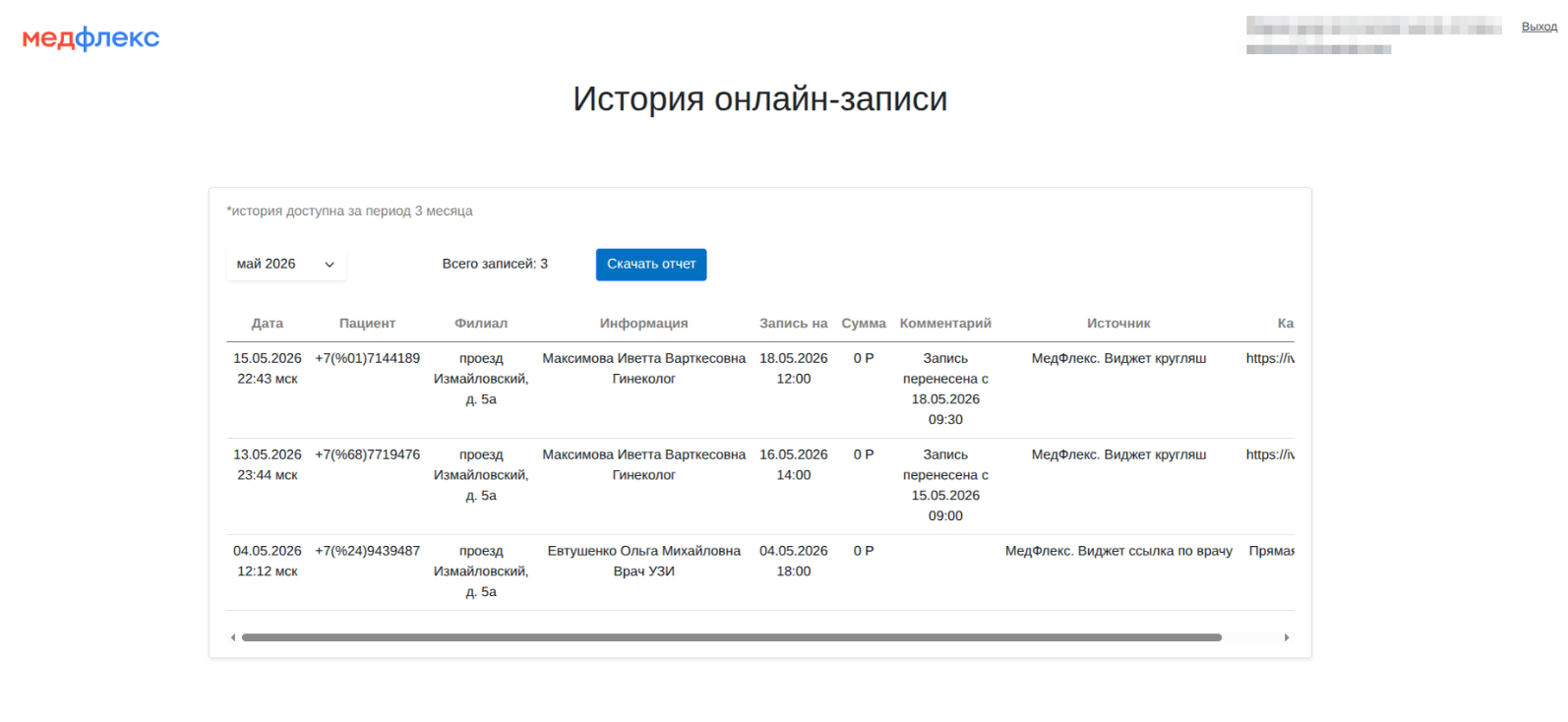
3. Click on the button «Скачать отчет»to download the detailed report for the selected month.